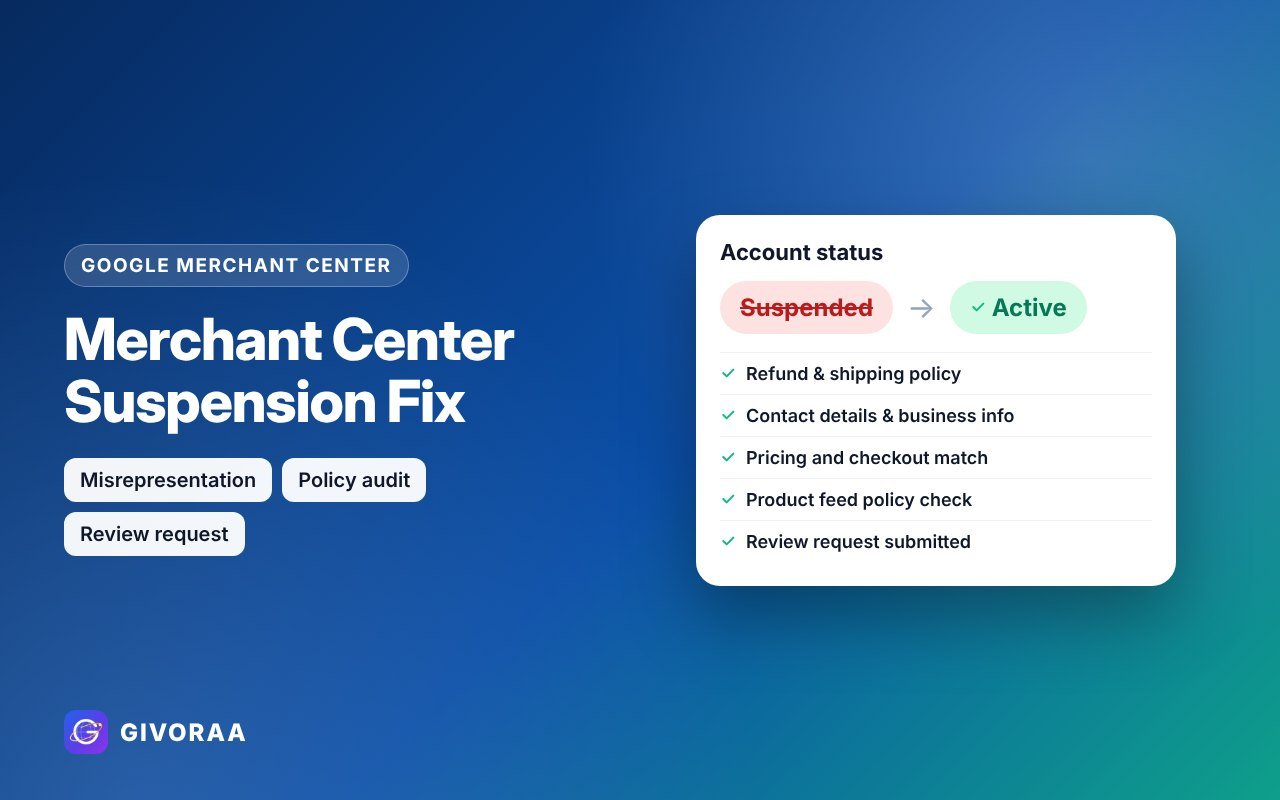
A suspended Google Merchant Center account stops all your products from showing on Google Shopping – both free listings and ads. The good news: most suspensions are caused by fixable website issues. This guide shows the usual reasons, a complete fix checklist and how to request a review.
Why accounts get suspended
Misrepresentation
Google can’t trust the business: missing contact details, unclear policies, unrealistic offers or copied content.
Website needs improvement
Broken checkout, placeholder text, missing pages or products not available to buy.
Policy violations
Prohibited or restricted products, or mismatched price and stock data.
The fix checklist
1. Business identity and contact
- Business name the same on your website, Merchant Center and invoices
- Real email, phone number and (where possible) physical address
- An “About us” page that explains who you are
2. Policies customers can find
- Return & refund policy – time window, who pays return shipping, how refunds are paid
- Shipping policy – costs, countries and delivery times
- Privacy policy and terms
- Links to all policies in the footer
3. Products and checkout
- Price, currency and stock the same on the page and in the feed
- No fake discounts, countdowns or “100% guaranteed” claims
- Secure checkout (HTTPS) with clear payment methods
- No placeholder text, broken links or empty categories
4. Feed clean-up
- Remove restricted or prohibited products
- Fix every item in Diagnostics
- Use correct brand and GTIN data
How to request a review
- Fix everything above first – a rushed review that fails can lead to a cool-down period before you can ask again.
- Open the account issue in Merchant Center and choose Request review.
- Answer honestly about the changes you made.
- Wait for the result – usually a few days. Keep the website unchanged during review.
No one can guarantee reinstatement – Google makes the final decision. What an expert can do is find and fix every issue before you submit.
Prevent it next time
- Run a policy & misrepresentation review before you launch.
- Keep your feed synced automatically with a Shopify or WooCommerce integration.
- Check Diagnostics every week.
FAQ
How long does a Merchant Center review take?
Usually several days, sometimes longer for misrepresentation reviews.
Can I open a new account instead?
Creating new accounts to get around a suspension breaks Google’s rules and can make things worse. Fix the original account.
Does a suspension affect my Google Ads?
Shopping and Performance Max ads that use the feed stop. Search ads can still run.