🎁 New here? Get 10% off orders over $100 with code NEWUSER🛡 Verified freelancers with security deposit protection💳 Pay by UPI, cards or crypto💬 Chat live with freelancers before you hire

Category: Service Guides

What freelance services cost, what is included and how to choose the right package.

  • Facebook Retargeting Ads: Bring Back Visitors and Cart Abandoners

    Facebook Retargeting Ads: Bring Back Visitors and Cart Abandoners

    Most visitors don’t buy on their first visit. Retargeting ads show a reminder to people who already know you – website visitors, cart abandoners, video viewers and followers. Because they are warm, retargeting usually has the best return of any Facebook campaign.

    Audiences to build

    Audience Source Window
    Added to cart, no purchase Meta Pixel 7–14 days
    Viewed product Meta Pixel 14–30 days
    All website visitors Meta Pixel 30–90 days
    Video viewers (50%+) Facebook/Instagram 30–180 days
    Page / profile engagers Facebook/Instagram 90–365 days

    Retargeting needs a working Meta Pixel and Conversions API.

    A simple 3-step funnel

    1. Reminder

    Show the exact product they viewed with Advantage+ catalog ads.

    2. Trust

    Reviews, delivery promise, refund policy.

    3. Offer

    A small discount or free shipping for cart abandoners.

    Best practices

    Recover lost salesFacebook retargeting ads from $70.

    Order retargeting ads

    FAQ

    How big should a retargeting audience be?

    Even a few thousand people can work. Combine audiences if they are very small.

    Is retargeting allowed?

    Yes, with proper consent and a clear privacy policy that mentions advertising cookies.
  • Instagram Ads Guide 2026: Reels, Stories and Feed Ads That Convert

    Instagram Ads Guide 2026: Reels, Stories and Feed Ads That Convert

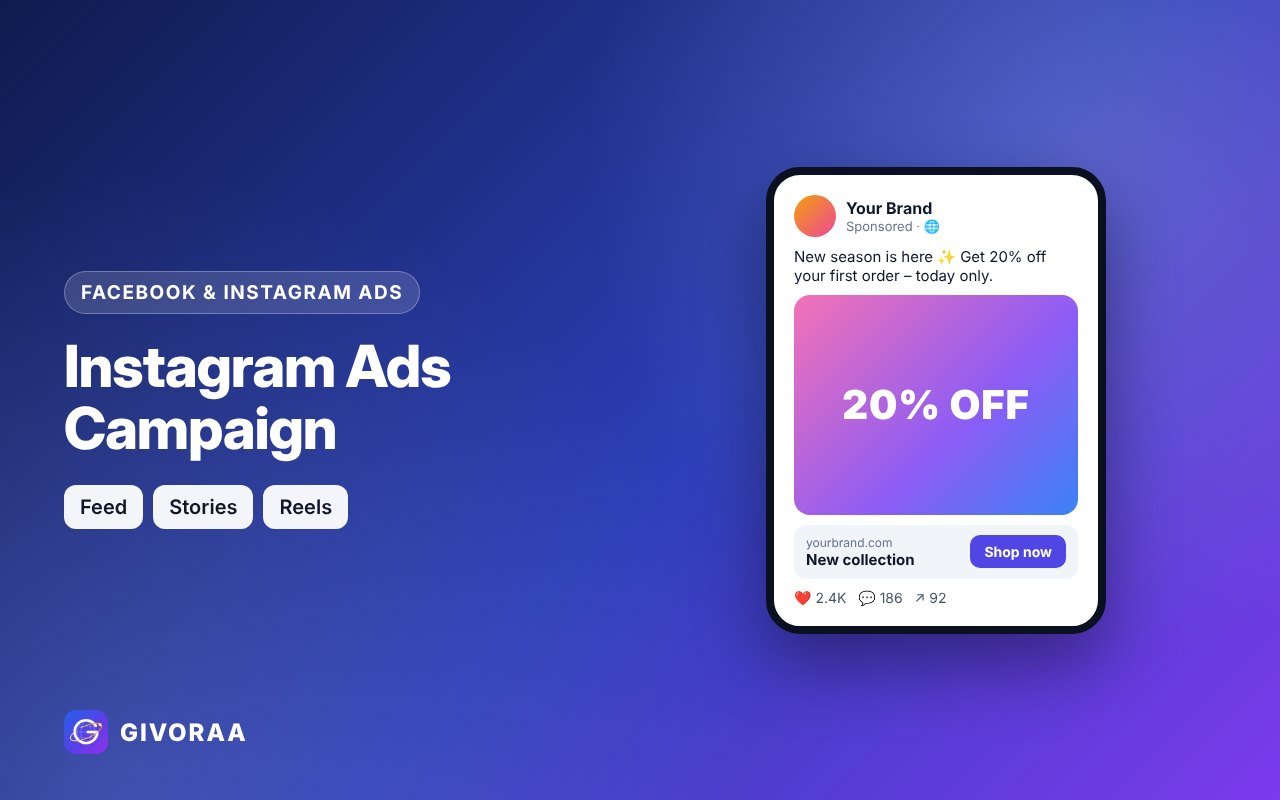
    Instagram ads run from Meta Ads Manager – the same place as Facebook ads. They are perfect for visual products and younger audiences. The key is creating ads that look native to Reels, Stories and the feed.

    Placements and sizes

    Placement Best size Tip
    Reels 9:16 vertical video Hook in the first 1–2 seconds, use captions
    Stories 9:16 Keep text away from top and bottom edges
    Feed 4:5 or 1:1 Strong product image, short caption
    Explore 4:5 or 1:1 Eye-catching visuals

    Creative tips

    • Film with a phone – polished TV-style ads often perform worse
    • Show the product in use and the result
    • Use creators or customers (with permission) for social proof
    • Add on-screen text and subtitles – many watch without sound
    • Test several hooks; keep the best 2–3

    Need ready designs? See ad creatives in all three sizes.

    Targeting and budget

    • Start broad with a strong creative and a Pixel that tracks purchases
    • Use lookalikes of buyers and retarget engagers
    • Run at least a week before judging results
    Grow with Instagram adsInstagram Ads campaigns from $70.

    Order Instagram ads

    Boost post vs Ads Manager

    “Boost” is quick but limited. Ads Manager gives you objectives like Sales and Leads, better targeting and testing – use it for serious campaigns. Learn the basics in our Facebook Ads guide.

    FAQ

    Do I need a business account?

    Yes, a professional (business or creator) Instagram account linked to your Facebook Page and ad account.

    Instagram or Facebook – which is cheaper?

    It varies by audience. Let Advantage+ placements decide, then check results by placement.

  • Facebook Lead Ads Guide: Get Quality Leads with Instant Forms and WhatsApp

    Facebook Lead Ads Guide: Get Quality Leads with Instant Forms and WhatsApp

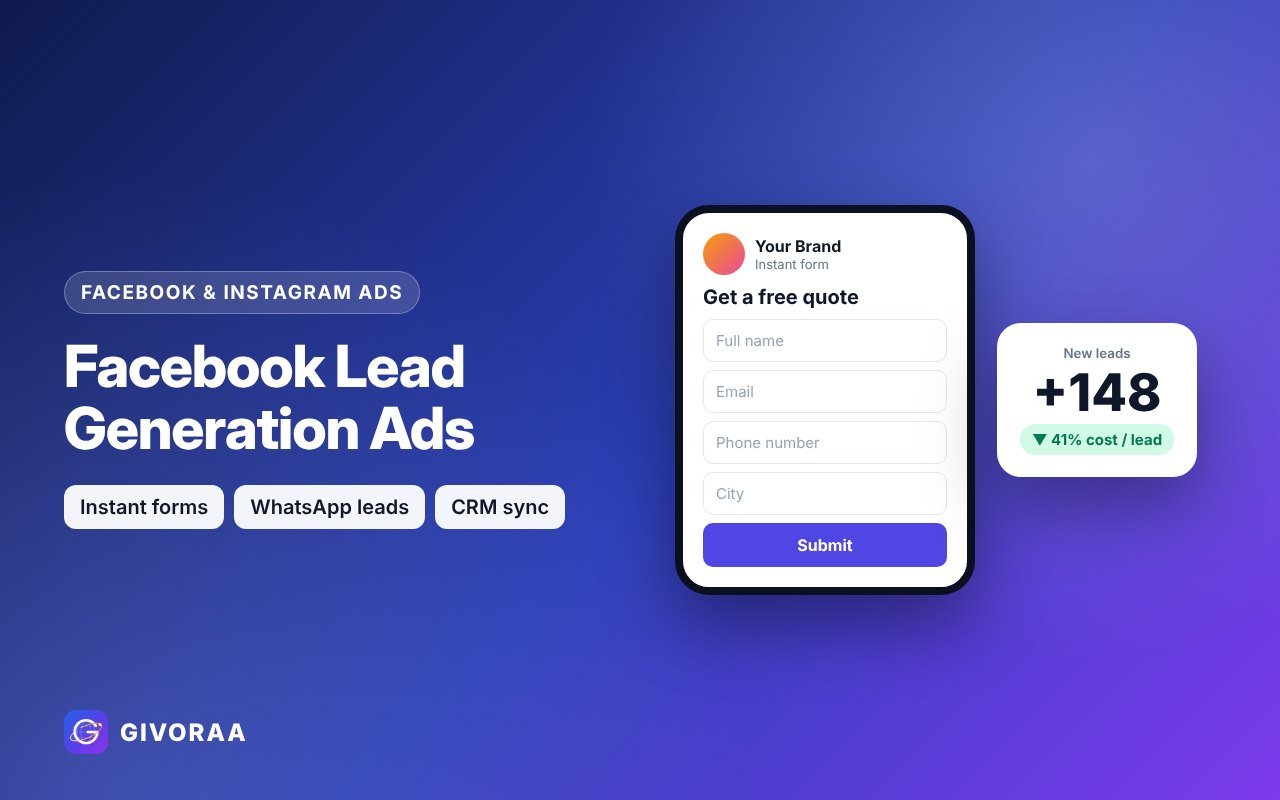
    For service businesses – coaching, real estate, clinics, agencies, education – Facebook lead ads are often the fastest way to get enquiries. People can send their details without leaving Facebook or Instagram, or start a WhatsApp chat in one tap.

    3 types of lead campaigns

    Instant forms

    A pre-filled form opens inside Facebook/Instagram. Fast and mobile-friendly.

    Click-to-WhatsApp

    The ad opens a WhatsApp chat with your business – great for India, Middle East, LATAM.

    Website forms

    Sends people to your landing page; tracked with the Meta Pixel.

    Design forms that bring quality leads

    • Use “Higher intent” form type to add a review step
    • Add 1–3 qualifying questions (budget, timeline, city)
    • Clear intro: what they get and what happens next
    • Privacy policy link (required)
    • Thank-you screen with a next step – call, WhatsApp or website

    Follow up fast

    Leads go cold quickly. Send them automatically to Google Sheets, email or your CRM and contact them within minutes. Our lead ads service includes delivery to Sheets or CRM.

    Get more enquiries from Facebook & InstagramLead generation ads from $90 – form design, targeting and CRM delivery.

    Order lead ads

    Tips to lower cost per lead

    • Test 3–5 creatives with a clear offer (free quote, consultation, guide)
    • Use lookalike audiences of past customers
    • Retarget page and video engagers – see retargeting guide
    • Exclude people who already submitted

    FAQ

    Are instant form leads low quality?

    They can be if the form is too easy. Higher-intent forms and qualifying questions improve quality a lot.

    Do I need a website?

    No. Instant forms and WhatsApp ads work without a website.

  • Performance Max Campaigns Explained: A Simple Guide for Online Stores

    Performance Max Campaigns Explained: A Simple Guide for Online Stores

    Performance Max (PMax) is a Google Ads campaign that runs across Search, Shopping, YouTube, Display, Gmail, Discover and Maps from one campaign. Google’s automation decides where to show your ads to reach your goal. For online stores connected to Merchant Center, it has become one of the main ways to sell on Google.

    How Performance Max works

    Your goal

    Sales or leads, measured by conversion tracking.

    Your inputs

    Product feed, images, videos, headlines, audience signals.

    Google’s automation

    Chooses channel, placement and bid for each auction.

    What you need before launching

    • Accurate conversion tracking – PMax optimises only for what you measure (set up with Google tag)
    • A healthy Merchant Center feed for stores
    • Good creative assets: images, logos, short videos and headlines
    • A realistic budget and target ROAS or CPA

    Best practices

    1. Split by margin or category using custom labels, so best sellers get the budget.
    2. Add audience signals – customer lists, website visitors and search themes.
    3. Use brand exclusions if you don’t want PMax taking your brand searches.
    4. Feed quality first – see feed optimization tips.
    5. Give it time – avoid big changes during the first weeks of learning.
    6. Check the insights tab for search terms and audience trends.
    Launch Performance Max with an expertPMax and Shopping campaign setup from $90.

    Order campaign setup

    PMax vs standard Shopping

    Performance Max Standard Shopping
    Channels All Google channels Shopping only
    Control Lower, automated Higher, manual
    Best for Stores with conversion data Testing and tight control

    FAQ

    Is PMax good for new stores?

    It works best with some conversion history. New stores often start with free listings and Shopping, then move to PMax.

    Do I need videos?

    Recommended. If you don’t add any, Google may create basic ones from your images.

  • Google Free Product Listings: How to Show Your Products on Google for Free

    Google Free Product Listings: How to Show Your Products on Google for Free

    Many store owners don’t know that Google shows products for free. With free product listings in Google Merchant Center, your products can appear in the Shopping tab, Google Images, Google Search and more – with no cost per click. Here is how it works.

    Where free listings appear

    Shopping tab

    Product grid with image, price and store name.

    Google Images

    Product tags on matching images.

    Search & more

    Product results in Search, Lens and other Google surfaces where available.

    How to turn them on

    1. Create or open your Google Merchant Center account.
    2. Verify and claim your website.
    3. Add shipping and return policies.
    4. Upload your products (feed, Sheets or store app).
    5. Enable the free listings programme for your countries.
    6. Fix any items in Diagnostics.

    How to get more free clicks

    • Optimise titles and images – see our 15 feed tips
    • Show competitive prices and clear delivery times
    • Add sale prices and merchant promotions
    • Collect product reviews and store ratings
    • Keep stock and prices always in sync
    Start getting free Google trafficFree product listings setup from $40.

    Order free listings setup

    Free listings vs Shopping ads

    Free listings Shopping ads
    Cost Free Pay per click
    Position Organic product results Top ad positions
    Control Limited Budgets, bids, targeting
    Best use Every store, from day one Scaling sales – see Google Ads guide

    FAQ

    Do I need Google Ads for free listings?

    No. Free listings only need Merchant Center.

    Which countries are supported?

    Free listings are available in many countries; Merchant Center shows what is available for your target country.

  • Google Shopping Feed Optimization: 15 Tips to Get More Clicks in 2026

    Google Shopping Feed Optimization: 15 Tips to Get More Clicks in 2026

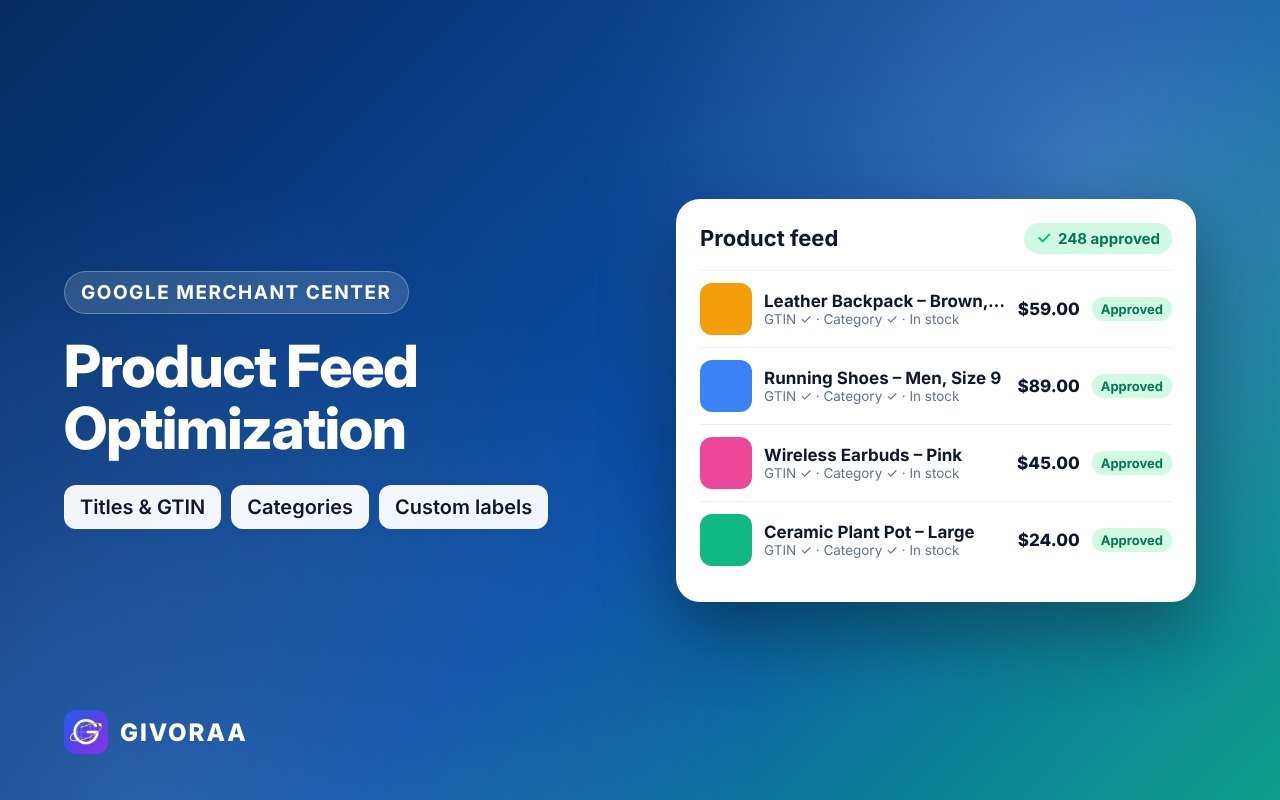
    On Google Shopping there are no keywords to bid on – Google reads your product feed to decide when to show your products. A better feed means more impressions, more clicks and cheaper Shopping ads. Here are 15 tips our Merchant Center freelancers use every day.

    Titles and descriptions

    1. Lead with what people search. Put brand, product type and the key detail in the first 70 characters.
    2. Use a title formula per category. Clothing: Brand + Gender + Product + Colour + Size. Electronics: Brand + Model + Product + Key spec.
    3. No promotional words. “Sale”, “best price” or “free delivery” in titles can cause disapprovals.
    4. Write useful descriptions. Materials, dimensions, compatibility and use cases – plain facts.

    Images

    1. Clean main image on a plain background, no watermark, no logo overlay.
    2. Add extra images (additional_image_link) – lifestyle and detail shots.
    3. High resolution – at least 800×800px looks sharp on every screen.

    Identifiers and categories

    1. Add GTIN (barcode) for branded products – it helps Google match your item to searches.
    2. Correct brand and MPN.
    3. Most specific Google product category and your own product_type path (e.g. Home > Kitchen > Knives).

    Price, stock and shipping

    1. Sync price and availability automatically – mismatches are the #1 disapproval reason.
    2. Use sale_price with dates so Google shows the discount badge.
    3. Accurate shipping and delivery times – fast or free delivery can show as an annotation.

    Advanced

    1. Custom labels – tag products by margin, season, best seller or price range to bid smarter in Shopping and Performance Max.
    2. Supplemental feed in Google Sheets – fix titles or add labels without touching your store.
    Get your feed optimized by an expertProduct feed optimization from $70 – titles, GTIN, categories and custom labels.

    Order feed optimization

    How to measure improvement

    • Merchant Center → Performance: impressions and clicks per product
    • Diagnostics: fewer disapproved or limited items
    • Google Ads: lower cost per click and higher conversion rate on Shopping

    FAQ

    How often should I update my feed?

    Daily, or automatically through a Shopify or WooCommerce integration.

    Can AI write my product titles?

    It can help, but always check facts – wrong sizes or specs cause returns and disapprovals.

  • Google Ads vs Facebook Ads: Which Is Better for Your Business in 2026?

    Google Ads vs Facebook Ads: Which Is Better for Your Business in 2026?

    Both platforms can grow your business, but they work differently. Google Ads captures people who are already searching. Facebook Ads (Meta) creates demand by showing your offer to the right people while they scroll. Here is how to choose – or how to use both.

    Side-by-side comparison

    Google Ads Facebook Ads
    User intent High – people are searching now Lower – people are browsing
    Targeting Keywords, location, products Interests, behaviour, lookalikes, custom audiences
    Ad format Text, Shopping, video, display Images, videos, Reels, carousels, lead forms
    Best for Services, urgent needs, product searches New products, visual brands, impulse buys, leads
    Product catalog Google Merchant Center Meta Commerce Manager
    Tracking Google tag / Tag Manager Meta Pixel + Conversions API

    Choose Google Ads when…

    • People already search for your service (“plumber near me”, “logo designer”)
    • You sell products people compare by price – use Merchant Center + Shopping
    • You want leads with high buying intent

    Choose Facebook Ads when…

    • Your product is new and people don’t search for it yet
    • Your product is visual – fashion, food, beauty, home décor
    • You want WhatsApp chats or instant-form leads
    • You want to retarget website visitors cheaply

    The winning setup: use both

    Discover

    Facebook & Instagram ads introduce your brand to new people.

    Capture

    Google Search and Shopping catch them when they search later.

    Remind

    Retargeting on both platforms brings back visitors who didn’t buy.

    Not sure where to start?Post a job and get proposals from Google Ads and Facebook Ads freelancers.

    Post a job free

    FAQ

    Which is cheaper?

    Facebook clicks are often cheaper, but Google clicks often convert better. Compare cost per sale or lead, not cost per click.

    Can one freelancer run both?

    Yes – many digital marketing freelancers on GIVORAA manage both. Browse them here.

  • Google Ads Guide for Small Business 2026: Search, Shopping and Performance Max

    Google Ads Guide for Small Business 2026: Search, Shopping and Performance Max

    Google Ads puts your business in front of people at the exact moment they search for what you sell. You pay when someone clicks, and you control the budget. This guide explains the campaign types, how to choose keywords, how much to spend and how to avoid the mistakes that waste money.

    Campaign types

    Type Where ads show Best for
    Search Google search results (text ads) Services, leads, high-intent buyers
    Shopping Product ads with image and price Online stores (needs Merchant Center)
    Performance Max Search, Shopping, YouTube, Display, Gmail, Maps Stores and businesses with good conversion data
    YouTube / Video YouTube Brand awareness and remarketing
    Display Websites and apps Remarketing to past visitors

    Keywords: the heart of Search ads

    • Target buying keywords – “hire”, “price”, “near me”, “buy”, product names
    • Use phrase and exact match while you learn what converts
    • Add negative keywords like “free”, “jobs”, “course” to stop wasted clicks
    • Group similar keywords with a matching ad and landing page

    How much should you spend?

    Look at the average cost per click for your keywords (shown in Keyword Planner) and plan enough budget for the campaign to get regular clicks every day. Start small, measure cost per lead or sale, then scale what works. Ad spend is paid to Google; GIVORAA service prices cover the setup and management work.

    Conversion tracking is not optional

    Without tracking, Google can’t tell which clicks became customers. Track purchases, form submissions, calls and WhatsApp clicks with Google tag or Google Tag Manager. Our conversion tracking setup starts at $70.

    Let a certified-level expert build your campaignGoogle Ads setup from $70, audits, Shopping and Performance Max.

    See Google Ads services

    Mistakes that waste money

    • Broad match keywords with no negatives
    • Sending all ads to the home page
    • No conversion tracking
    • Running Display ads mixed into a Search campaign
    • Changing bids every day instead of letting campaigns learn

    FAQ

    Is Google Ads good for small budgets?

    Yes, if you focus on a few high-intent keywords and one location. Start narrow and grow.

    How fast will I see results?

    Clicks start within a day. Expect 2–4 weeks of data before optimising seriously.

    Should I audit my existing account?

    If you already spend on ads, a Google Ads audit often finds wasted spend quickly.

  • Meta Pixel and Conversions API Explained: Track Facebook Ads Sales Correctly

    Meta Pixel and Conversions API Explained: Track Facebook Ads Sales Correctly

    Your Facebook and Instagram ads can only optimise for sales if Meta knows who bought. That is the job of the Meta Pixel and the Conversions API (CAPI). Setting both up correctly is often the single biggest improvement you can make to ad results.

    Pixel vs Conversions API

    Meta Pixel

    A small code in the visitor’s browser that sends events like ViewContent and Purchase.

    Conversions API

    Sends the same events from your server, so they are not lost to ad blockers or browser privacy limits.

    Use both

    Meta removes duplicates using an event ID, giving the most complete data.

    Events to track

    Event When it fires
    PageView Any page loads
    ViewContent A product or service page is viewed
    AddToCart Item added to cart
    InitiateCheckout Checkout starts
    Purchase Order completed (with value and currency)
    Lead Form submitted or enquiry sent

    How to set it up

    • Shopify – connect the Facebook & Instagram sales channel and set data sharing to maximum (Pixel + CAPI).
    • WooCommerce / WordPress – use the official Meta plugin or a server-side tracking plugin.
    • Custom websites – install the Pixel code and send server events through the Conversions API or a gateway.
    • Verify your domain in Business Settings and set event priority where needed.

    How to check it works

    1. Open Events Manager → Test events.
    2. Visit your site and make a test purchase or lead.
    3. Confirm each event appears from both Browser and Server.
    4. Check deduplication and event match quality.

    Always tell visitors about tracking in your privacy policy and follow the cookie and consent rules of your country.

    Get tracking set up properlyMeta Pixel & Conversions API setup from $60, tested and verified.

    Order Pixel setup

    FAQ

    Do I need CAPI if I already have the Pixel?

    It is strongly recommended. Browser tracking alone misses some conversions, which makes your ads look worse than they are.

    Can the same setup feed Google Ads?

    Google uses its own tag. We set up Google conversion tracking separately.

  • Facebook Ads Guide for Beginners 2026: Setup, Budget and Campaigns That Sell

    Facebook Ads Guide for Beginners 2026: Setup, Budget and Campaigns That Sell

    Facebook Ads (run in Meta Ads Manager) let you reach people on Facebook, Instagram, Messenger and WhatsApp based on their interests, location and behaviour. Done right, they bring sales, leads and messages at a predictable cost. This beginner guide covers everything you need to launch your first campaign.

    1. Set up the basics

    • Meta Business Manager (Business Suite) – owns your Page, Instagram account and ad account
    • Ad account with the correct currency, time zone and payment method
    • Facebook Page and Instagram business account connected
    • Meta Pixel + Conversions API on your website to track purchases and leads – see our Pixel guide

    2. Choose the right campaign objective

    Goal Objective Best for
    Online sales Sales Online stores with Pixel tracking
    Enquiries Leads Services, real estate, education
    Chats Engagement → Messages WhatsApp and Messenger businesses
    Website visits Traffic Blogs and new websites (testing)
    Brand reach Awareness Launches and local businesses

    3. Find your audience

    Broad / Advantage+

    Let Meta’s system find buyers. Works well once your Pixel has data.

    Interests & location

    Good for testing a new product in a specific market.

    Custom & lookalike

    Website visitors, customer lists and people similar to your buyers.

    4. Budget: how much should you spend?

    Start with a daily budget you can run for at least 7 days without changes, so the algorithm can learn. A good rule: your daily budget should allow several conversions per week. Increase budget slowly (about 20% at a time) on ad sets that perform well.

    Ad spend is paid directly to Meta. Freelancer or GIVORAA service prices cover the setup and management work only.

    5. Creatives that stop the scroll

    • Show the product or result in the first second
    • Use vertical 4:5 and 9:16 sizes for Feed, Stories and Reels
    • One clear offer and one call to action
    • Test 3–5 creatives per ad set and keep the winners

    Need designs? Order Facebook ad creatives from $50.

    6. Read your results

    • Cost per result – what you pay per sale, lead or message
    • ROAS – revenue ÷ ad spend (for stores)
    • CTR – are people interested in the ad?
    • Frequency – if it climbs high, refresh the creative
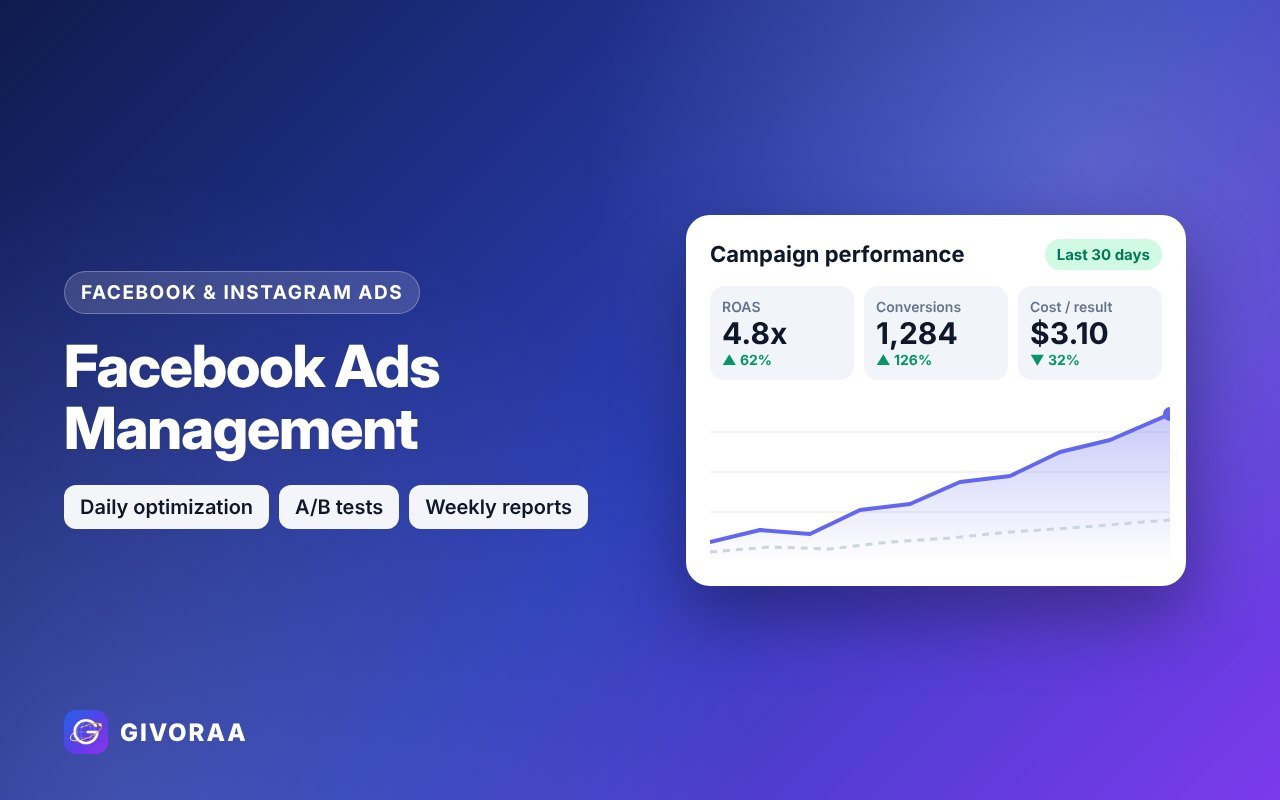
    Launch your first campaign with an expertFacebook Ads setup from $70, management from $120.

    See Facebook Ads services

    Common beginner mistakes

    • Boosting posts instead of building a real campaign
    • No Pixel, so Meta can’t optimise for sales
    • Changing ads every day during the learning phase
    • Too many small ad sets splitting a small budget
    • Ignoring retargeting – see retargeting ads

    FAQ

    Do Facebook ads also show on Instagram?

    Yes. With Advantage+ placements, Meta shows your ads on Facebook, Instagram, Messenger and more.

    My ad account is restricted. What now?

    Check Account Quality in Business Suite and request a review. Our Business Manager setup service helps prepare it.

    Facebook Ads or Google Ads?

    It depends on your product and buyer – read Google Ads vs Facebook Ads.