
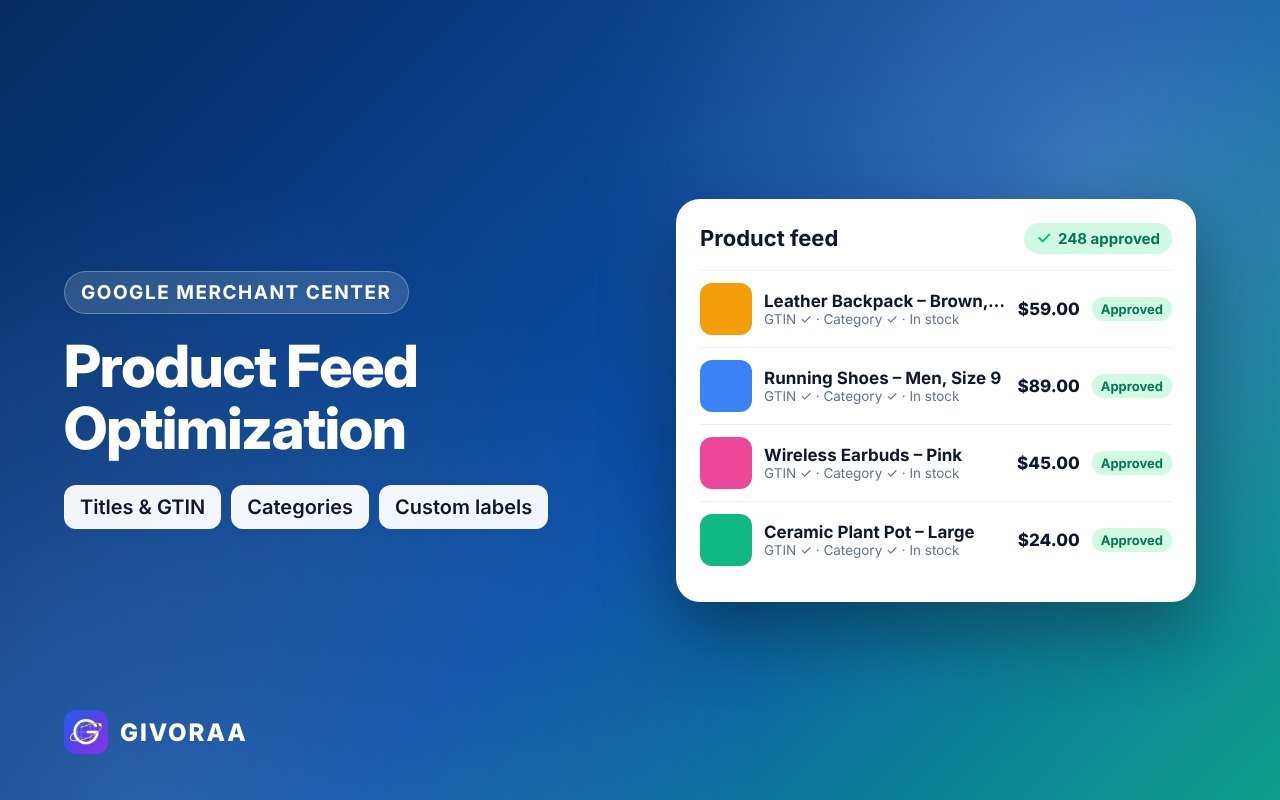
On Google Shopping there are no keywords to bid on – Google reads your product feed to decide when to show your products. A better feed means more impressions, more clicks and cheaper Shopping ads. Here are 15 tips our Merchant Center freelancers use every day.
Titles and descriptions
- Lead with what people search. Put brand, product type and the key detail in the first 70 characters.
- Use a title formula per category. Clothing: Brand + Gender + Product + Colour + Size. Electronics: Brand + Model + Product + Key spec.
- No promotional words. “Sale”, “best price” or “free delivery” in titles can cause disapprovals.
- Write useful descriptions. Materials, dimensions, compatibility and use cases – plain facts.
Images
- Clean main image on a plain background, no watermark, no logo overlay.
- Add extra images (additional_image_link) – lifestyle and detail shots.
- High resolution – at least 800×800px looks sharp on every screen.
Identifiers and categories
- Add GTIN (barcode) for branded products – it helps Google match your item to searches.
- Correct brand and MPN.
- Most specific Google product category and your own product_type path (e.g. Home > Kitchen > Knives).
Price, stock and shipping
- Sync price and availability automatically – mismatches are the #1 disapproval reason.
- Use sale_price with dates so Google shows the discount badge.
- Accurate shipping and delivery times – fast or free delivery can show as an annotation.
Advanced
- Custom labels – tag products by margin, season, best seller or price range to bid smarter in Shopping and Performance Max.
- Supplemental feed in Google Sheets – fix titles or add labels without touching your store.
Get your feed optimized by an expertProduct feed optimization from $70 – titles, GTIN, categories and custom labels.
How to measure improvement
- Merchant Center → Performance: impressions and clicks per product
- Diagnostics: fewer disapproved or limited items
- Google Ads: lower cost per click and higher conversion rate on Shopping
FAQ
How often should I update my feed?
Daily, or automatically through a Shopify or WooCommerce integration.
Can AI write my product titles?
It can help, but always check facts – wrong sizes or specs cause returns and disapprovals.
Leave a Reply