
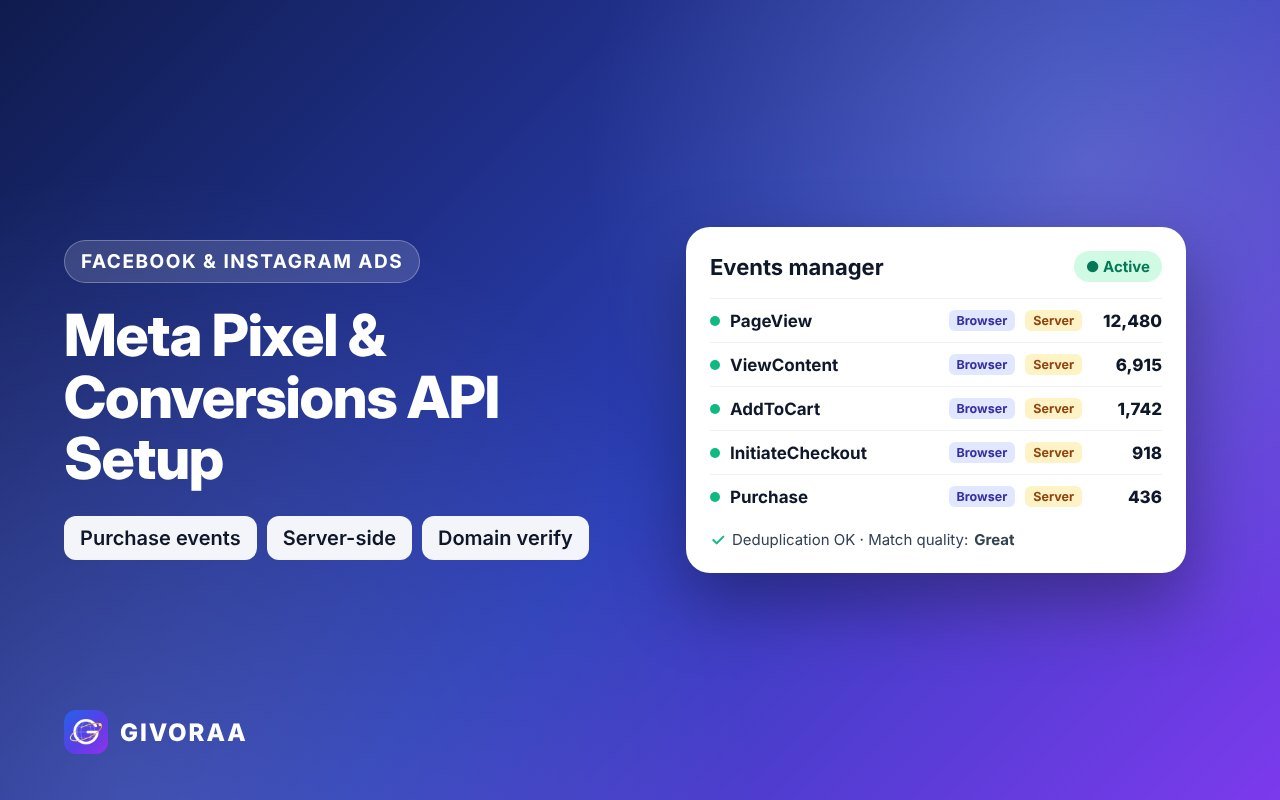
Your Facebook and Instagram ads can only optimise for sales if Meta knows who bought. That is the job of the Meta Pixel and the Conversions API (CAPI). Setting both up correctly is often the single biggest improvement you can make to ad results.
Pixel vs Conversions API
Meta Pixel
A small code in the visitor’s browser that sends events like ViewContent and Purchase.
Conversions API
Sends the same events from your server, so they are not lost to ad blockers or browser privacy limits.
Use both
Meta removes duplicates using an event ID, giving the most complete data.
Events to track
| Event | When it fires |
|---|---|
| PageView | Any page loads |
| ViewContent | A product or service page is viewed |
| AddToCart | Item added to cart |
| InitiateCheckout | Checkout starts |
| Purchase | Order completed (with value and currency) |
| Lead | Form submitted or enquiry sent |
How to set it up
- Shopify – connect the Facebook & Instagram sales channel and set data sharing to maximum (Pixel + CAPI).
- WooCommerce / WordPress – use the official Meta plugin or a server-side tracking plugin.
- Custom websites – install the Pixel code and send server events through the Conversions API or a gateway.
- Verify your domain in Business Settings and set event priority where needed.
How to check it works
- Open Events Manager → Test events.
- Visit your site and make a test purchase or lead.
- Confirm each event appears from both Browser and Server.
- Check deduplication and event match quality.
Always tell visitors about tracking in your privacy policy and follow the cookie and consent rules of your country.
FAQ
Do I need CAPI if I already have the Pixel?
It is strongly recommended. Browser tracking alone misses some conversions, which makes your ads look worse than they are.
Can the same setup feed Google Ads?
Google uses its own tag. We set up Google conversion tracking separately.
Leave a Reply